
PandaWig
AI hair color changer
Hair Color
History
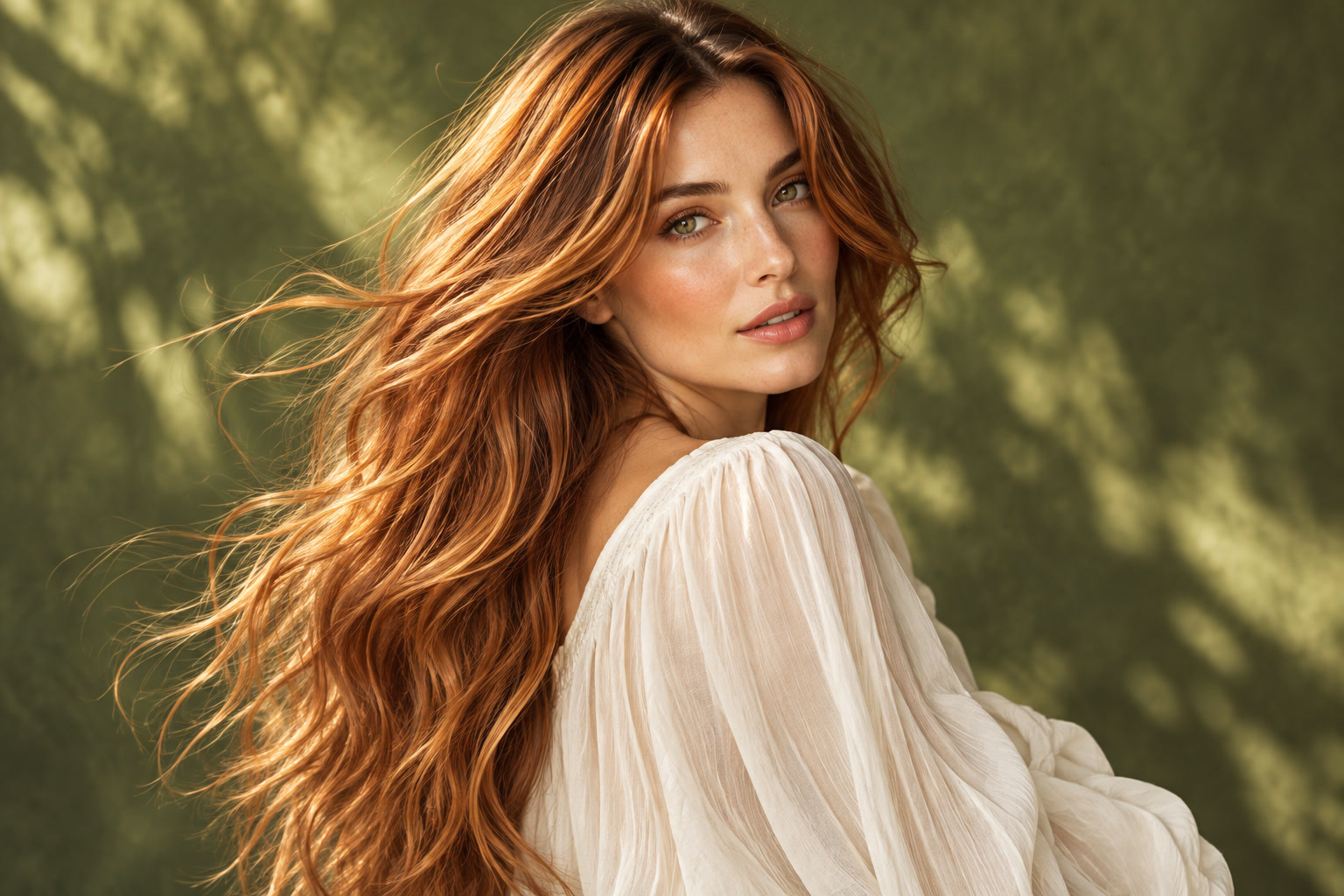
PandaWig is an AI hair color changer for exploring a different shade on a portrait. Start with a color family, add an optional description, and keep the original cut and face as your reference. The preview is a visual direction for discussion, not a dye formula or a prediction of salon results.
Prepare your portraitHow to use PandaWig
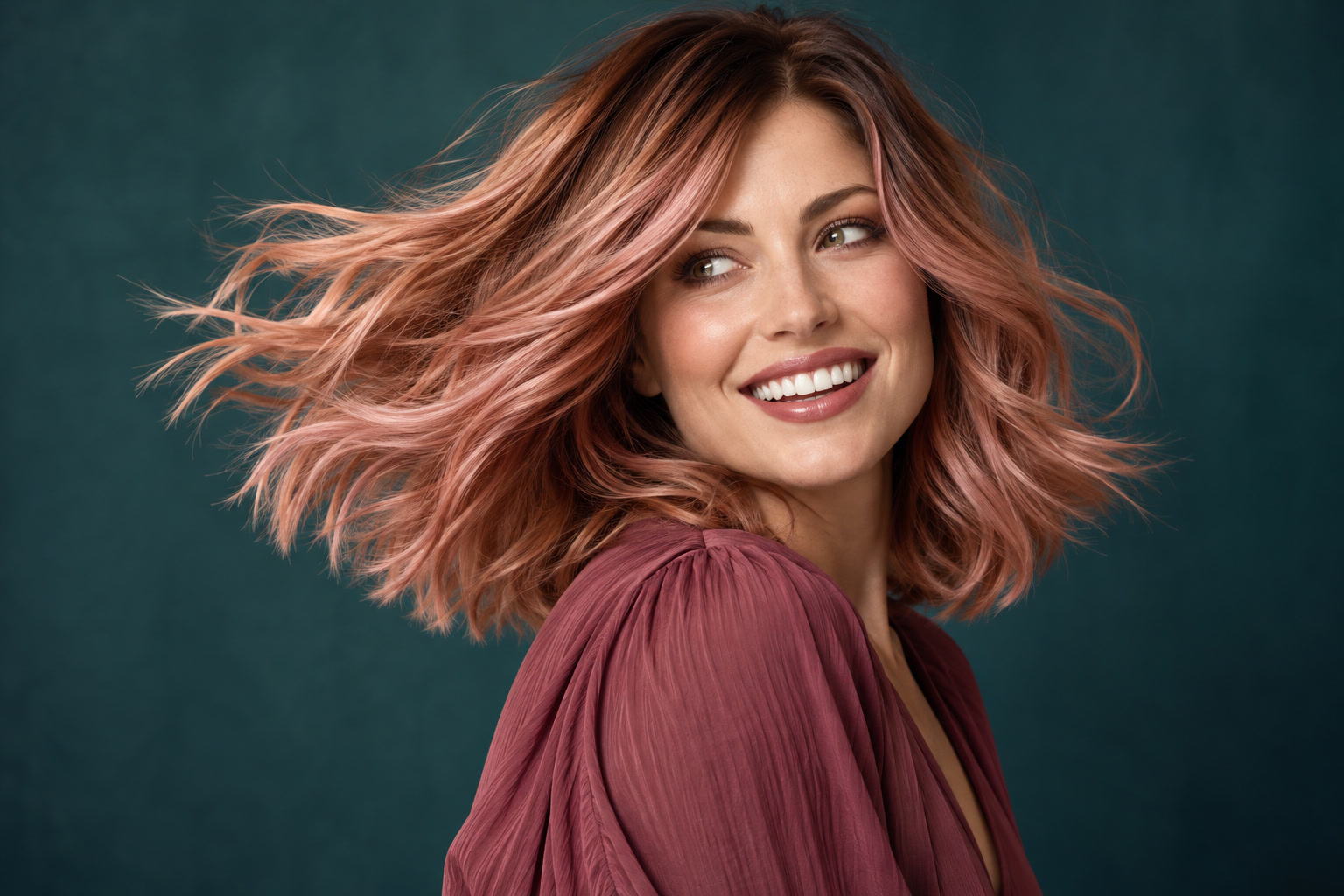
- Upload a portrait showing the full hair shape in even light. Avoid colored lighting that hides your starting shade.
- Choose a color preset or describe a custom direction. Use words such as warm chestnut or muted copper rather than expecting a precise screen color match.
- Add a short instruction about the color placement or tone. Keep the cut and facial features unchanged, then review the current model settings and quote.
- Submit once and inspect the completed image in History. Compare the hair edges, roots and skin tone before saving the direction you want to discuss.
Prepare a useful portrait
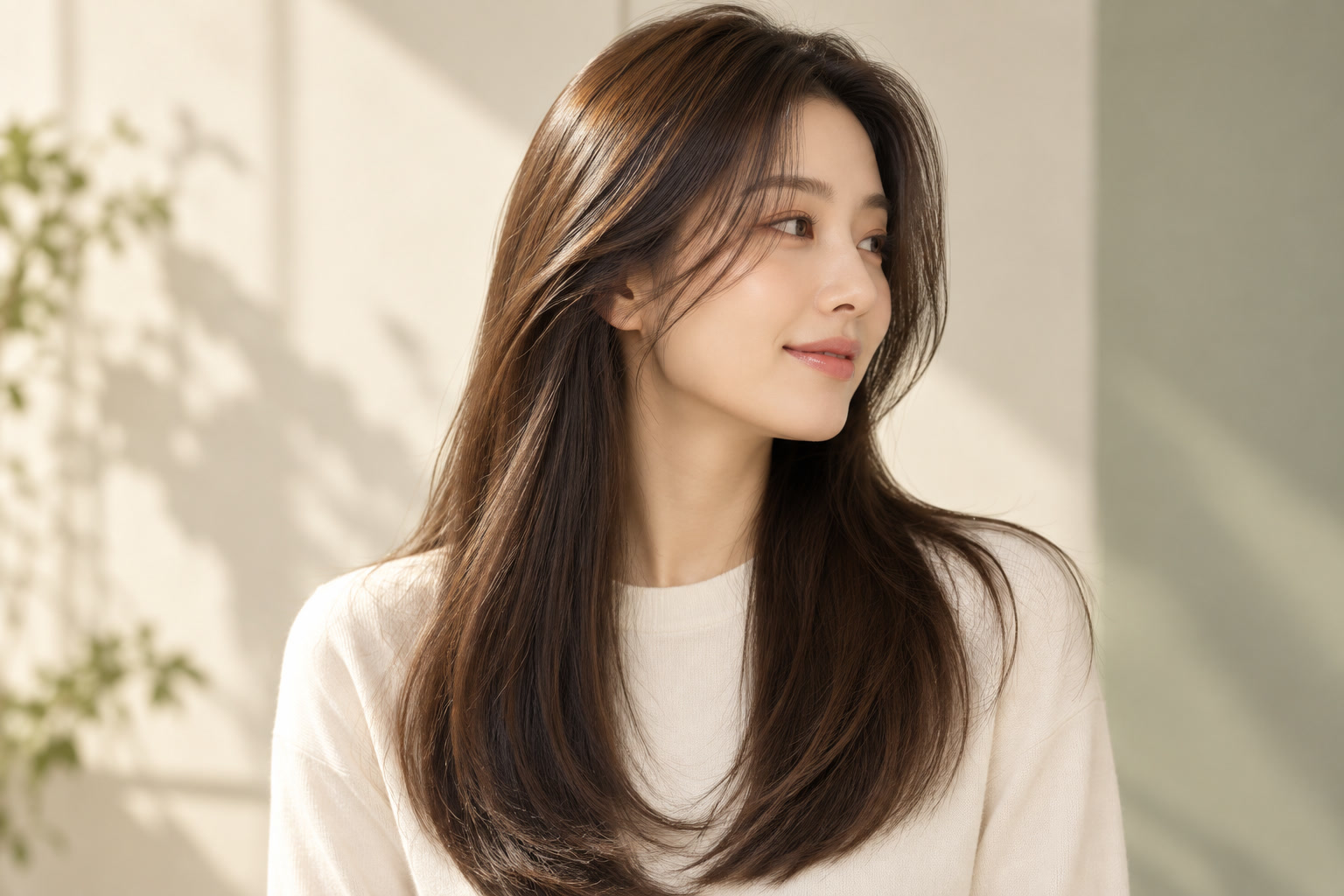
Use a photograph with the hair visible against a simple background. Remove hats and keep strands away from the eyes where possible. Strong backlight, motion blur and very dark shadows can obscure hair boundaries. Begin with one portrait and one color direction so changes remain easy to evaluate.
AI hair color changer for one clear shade decision
Explore a subtle brunette refresh, a warmer copper direction or a playful temporary-color concept. A saved image can help explain a preference to a stylist or compare the feel of a wig shade. Keep an original photo nearby: a visually appealing edit does not establish that a dye or wig will reproduce the same appearance.
Choose a clear direction
Color presets and custom color descriptions enter the request as target directions. The editing instruction asks to retain the original hairstyle and facial features. There is no masking or local brush workflow on this page, and a color swatch is not a calibrated output guarantee. The tool does not prescribe chemical products or measure hair condition.
Inspect the result before you save
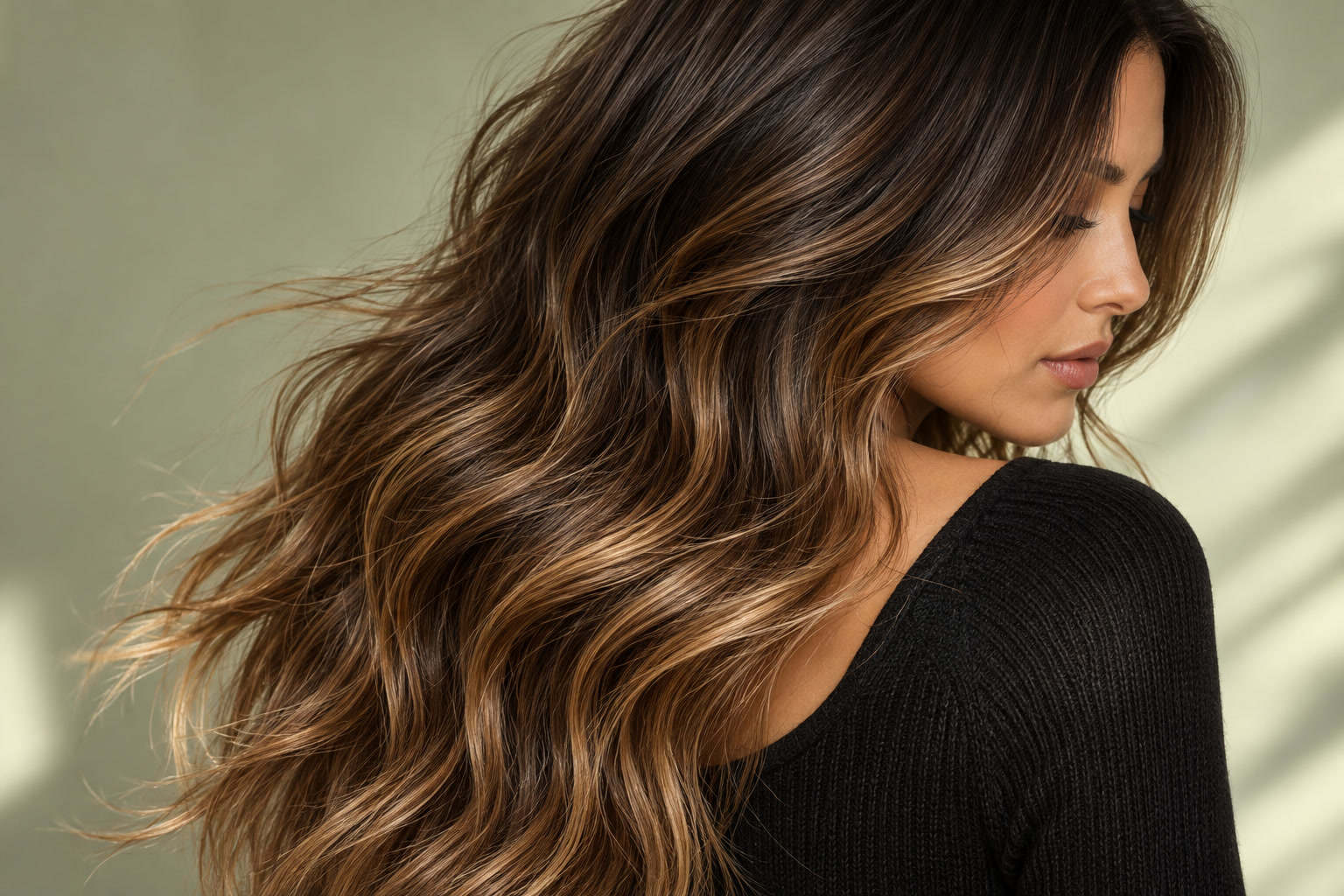
Look at roots, fine strands around the forehead and transitions near ears and shoulders. Make sure the editor has not changed eyebrows, skin tone, hair length or background objects. A smooth, flat block of color may hide texture. Judge the result under the original lighting before treating it as a useful reference.
Availability, credits and task history
Choose from the models available for this site and task. Generation requires an enabled, reviewed editing contract and a current price. Check the credit quote and balance before submitting. Changing the model, input or settings requires a fresh quote. No fixed free quota or completion time is promised.
Follow your existing task in History while it is processing. An unavailable model does not prevent you from preparing a portrait and editing your instruction. Check the task status and any failure message before deciding whether to submit another attempt.
Questions before you start
Does PandaWig change the hairstyle too?
The hair-color task asks to preserve the original cut, length, parting and texture. A generated edit may still change details, so check the shape against your source.
Can I describe a color that is not in the presets?
Yes. Add a custom color description and make it consistent with the selected color direction. Specific tone words are more useful than a long list of conflicting shades.
Will a swatch or hex color match exactly?
No. Swatches express a direction. Lighting, screen display, source color and model behavior can change the appearance.
Can I paint only a few strands?
This workflow has no mask or brush contract. You can describe placement, but that does not provide pixel-level control.
Can I use the image as a dye recommendation?
Use it as a visual reference for discussion. It does not assess hair condition, predict chemical results or provide a dye formula.
What should I check before downloading?
Inspect the hairline, roots, fine strands, skin and background. Reject an edit that changes features you asked to preserve.
Are color experiments free?
No fixed free allowance is promised. Read the displayed credit quote and available balance before submitting; a new generation is a new attempt.