
A focused media workflow
ChatGPT Photo Editor — Edit an Image with Instructions
GPT Photo Editor
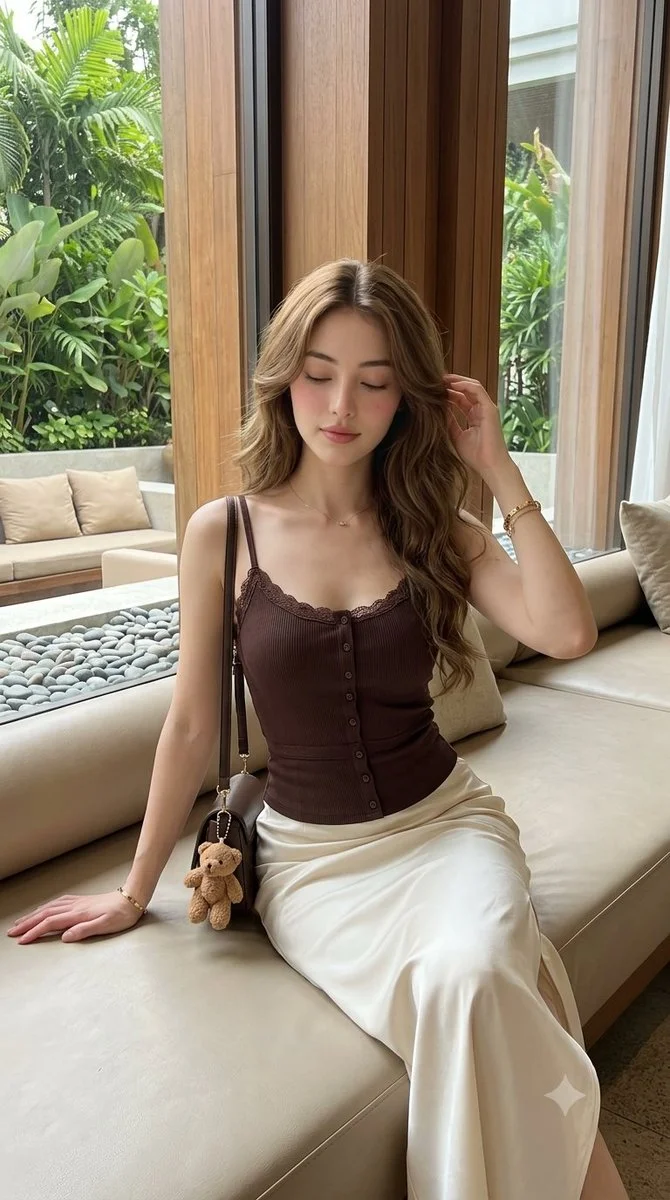
History
Looking for a ChatGPT photo editor? Upload a source image and describe a focused change using the GPT Image editing workflow on PandaWig. The available resolution and format controls come from the active model contract. PandaWig is an independent service, with its own account and credits.
Prepare your sourceUse this guide alongside your hair-color references, keeping the original shade visible while you compare clothing and portrait presentation. Describe one focused change and identify the portrait details that must stay.
How to start
- Upload the source photo. Pick a clear image that contains the subject and details you want to preserve.
- Write what to change and what to keep. For example, change the background to a cream studio while retaining the product shape and shadow direction.
- Check the available output controls and credit quote. Submit once, then review the result in History before starting a new edit.
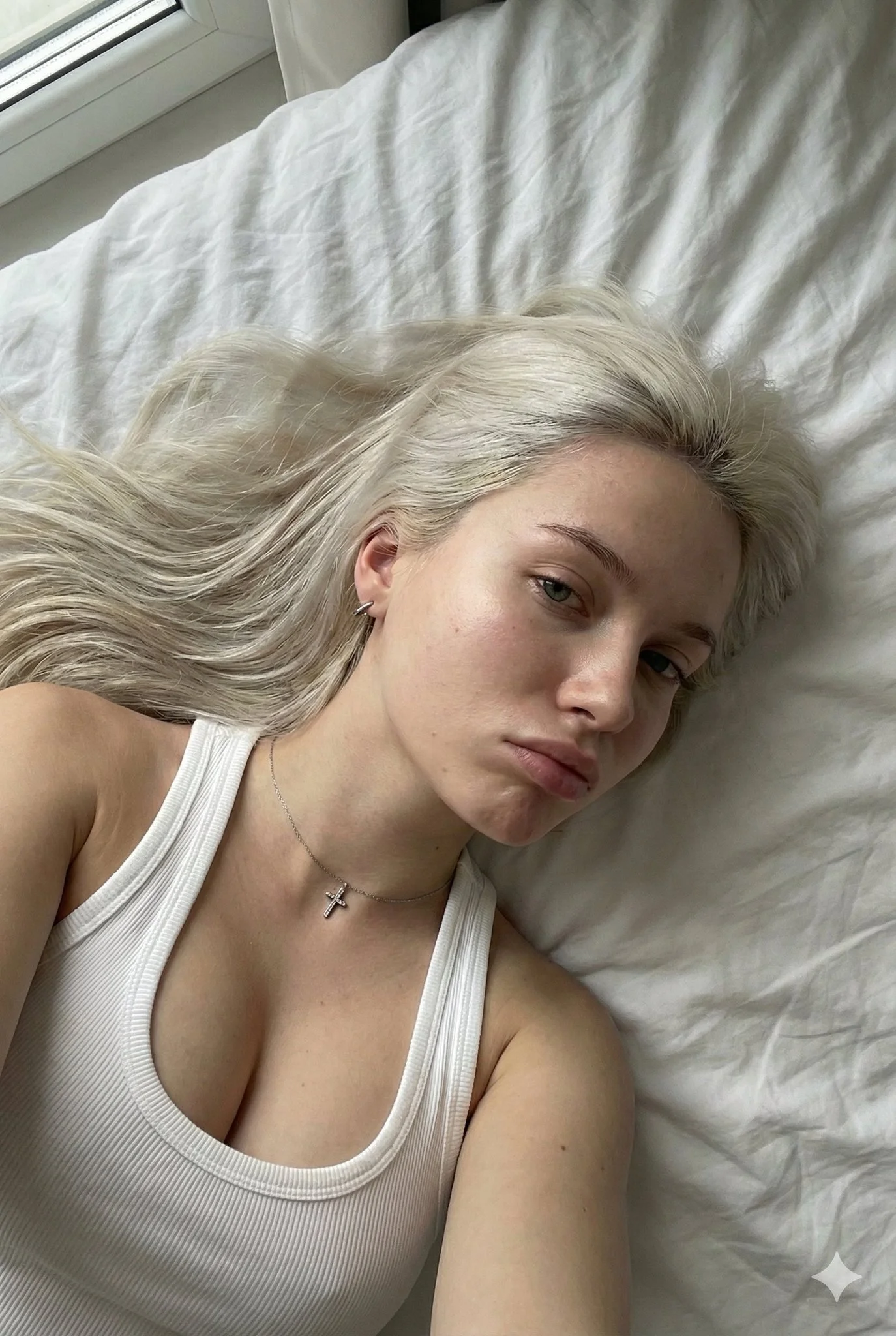
Prepare the source
Start with one base image and a short, specific instruction. Mention material, lighting and placement when they matter. Avoid contradictory requests such as preserving every pixel while changing the entire scene. Keep text that must remain exact in a separate source file.
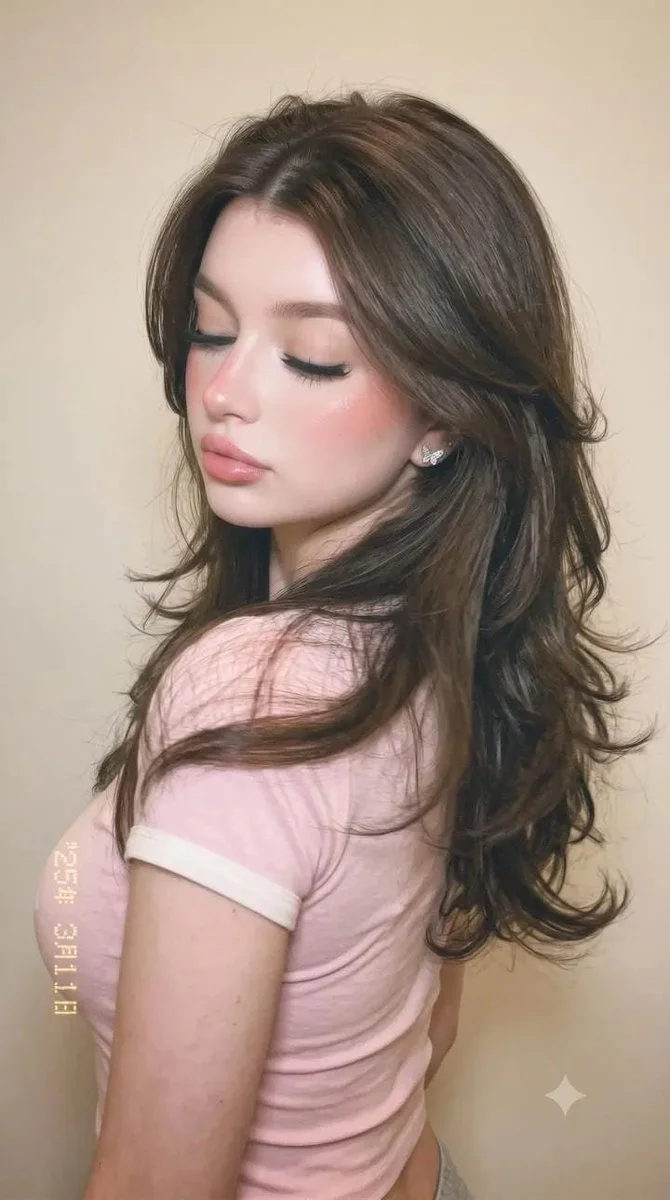
Choose a useful direction
Prepare a cleaner product scene, explore a different backdrop, adjust the mood of a travel photo, or develop an editorial concept. A focused instruction makes it easier to see whether the model followed the request and which details need another attempt.

Inspect the result
Check product edges, fine text, reflections, hands and shadows. The page preserves task history, but it does not promise conversational editing memory. For another pass, choose the intended source again and write a complete instruction; no selection brush is implemented here.
Availability and credits
Only enabled models with approved contracts and prices can generate. The current workflow shows its availability and credit quote before submission. Changing settings requires a new quote. No fixed free allowance or processing time is promised.
The guide illustrations explain preparation and review. They are not results from a paid quality test. Your own submitted jobs remain available in History.
Questions before you start
Is this the official ChatGPT editor?
No. PandaWig is independent. Your ChatGPT subscription does not provide credits here, and signing in here does not connect a ChatGPT conversation.
How many references does this page accept?
This workflow uses one source image. The provider’s broader capabilities do not mean this interface accepts sixteen references.
Does History remember an editing conversation?
History stores jobs and results. It is not multi-turn editing memory, so each new request needs its own source and complete instruction.