
Create a Sheru Bhai AI Photo in Four Scenes
Create your Sheru Bhai AI Photo
History
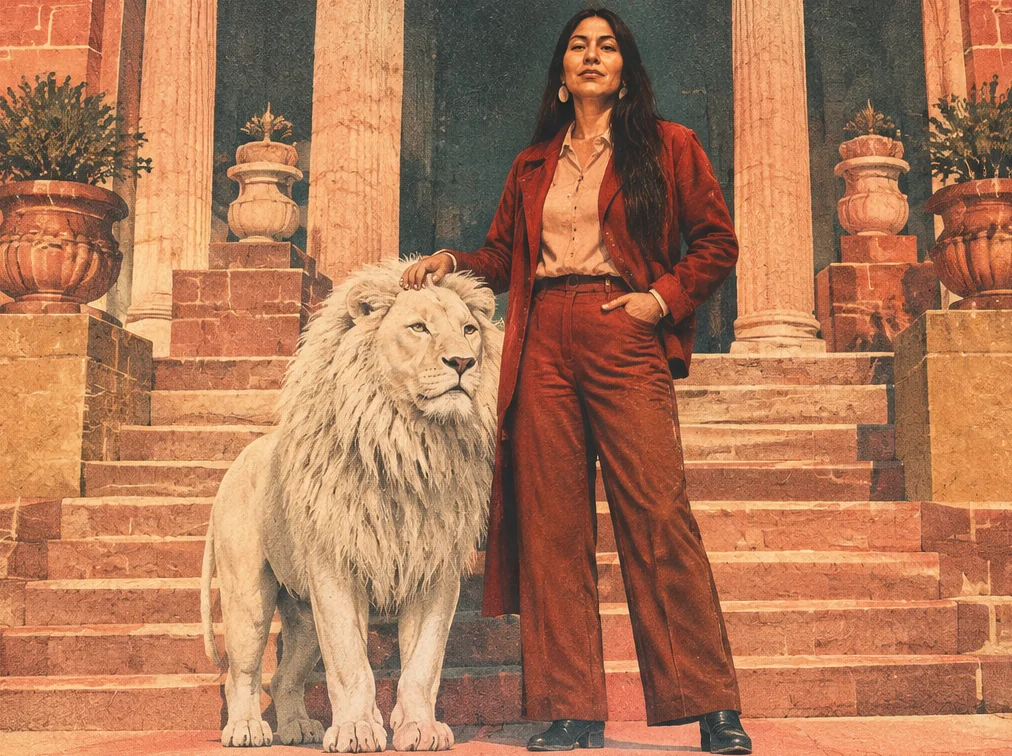
Sheru Bhai AI Photo is a portrait concept featuring a person beside a calm, majestic white lion in a friendly boss-style pose. Upload one clear selfie to preserve your appearance, or type a description to create a fictional adult; choose a mode, edit its pre-filled prompt, and start in the generator.
Make your portrait
- Choose Image to Image to use a selfie, or Text to Image to describe a fictional adult. The first mode accepts one photo; the second has no upload.
- Use a clear, well-lit selfie for Image to Image, or write a specific description for Text to Image. Keep the person’s pose and framing easy to read.
- Edit the pre-filled prompt with a setting, wardrobe, and retro risograph look. Ask for a calm lion companion and respectful distance.
- Check the live credit quote before starting, then review the generated portrait and save it if it suits your idea.
See the portrait and four scenes
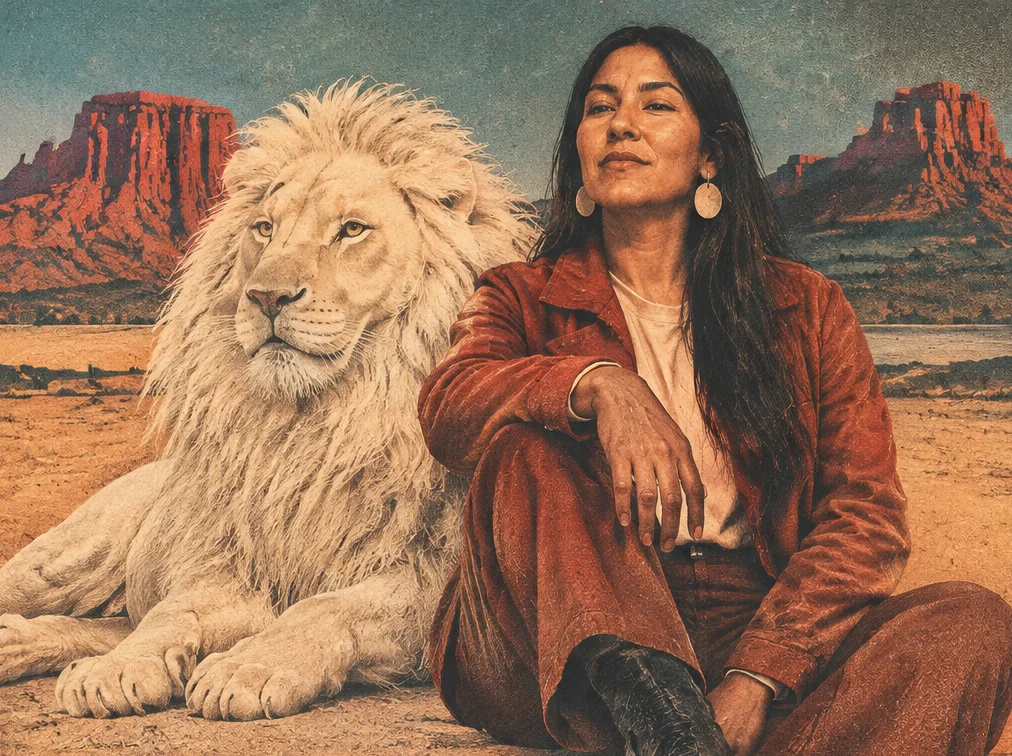
Four Sheru Bhai portrait ideas
- Palace-step portrait Set a confident, friendly pose on broad palace steps, with the white lion beside the person and clear space between them.
- Desert-road character scene Build a warm, cinematic concept with a fictional adult, a dusty road, and the lion standing calmly nearby.
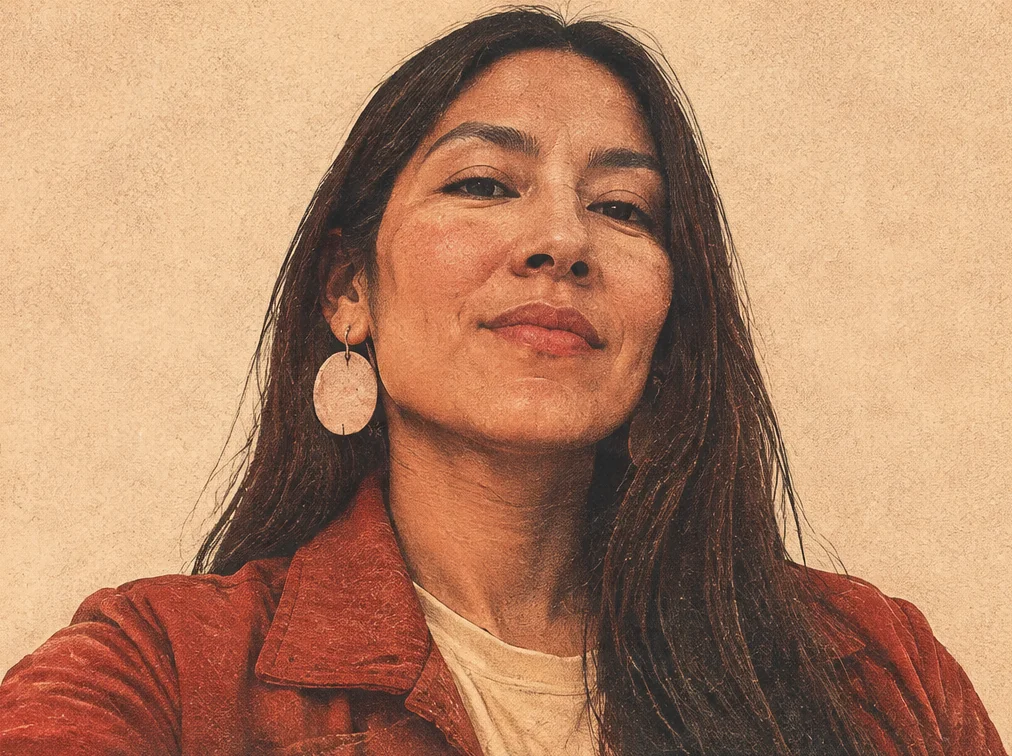
- Retro print profile art Turn a selfie into a bold portrait concept with layered risograph colors, a simple backdrop, and a composed companion pose.
Review before saving
- Confirm the person’s face, hairstyle, and skin tone remain recognizable if you used a selfie.
- Check that the lion looks calm and the scene shows no chains, cages, riding, or dangerous contact.
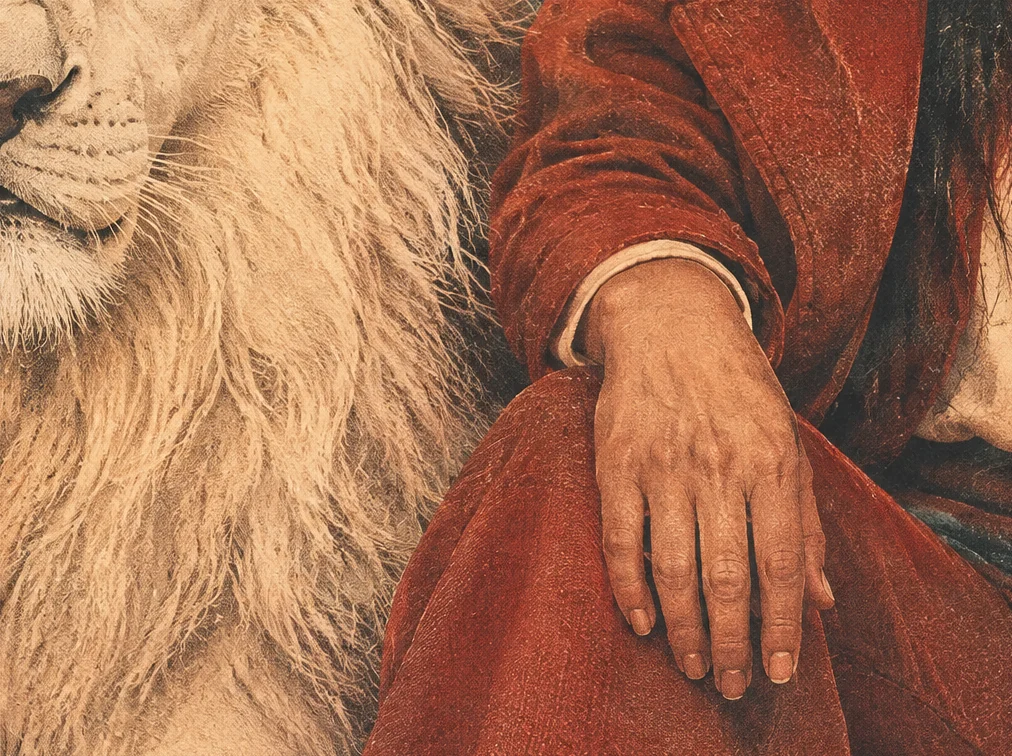
- Look over the framing, hands, mane detail, and risograph texture for anything you want to refine.
Common questions
What is Sheru Bhai AI Photo?
It is a portrait concept featuring a person beside a calm white lion companion in a friendly, confident pose. PandaWig’s generator lets you start with a selfie or describe a fictional adult.
Can I try Sheru Bhai AI Photo free?
Check the live credit quote shown in the generator before starting, and visit the pricing page for current plan details. Credit amounts and availability can change.
What do I need to upload or type?
For Image to Image, upload one clear selfie and edit the pre-filled prompt. For Text to Image, enter a description of a fictional adult and the scene; no photo upload is needed.
How long does a portrait take?
It usually takes a short wait, which depends on queue load. The generator shows its current status as it works.
How can I keep the lion scene respectful?
Ask for the lion to stand calmly nearby with clear space between the person and animal. Avoid chains, cages, riding, or any dangerous contact.